

Overview
Bifrost provides 100% compatible endpoints for OpenAI, Anthropic, and Gemini APIs, making it seamless to integrate with any agent that uses these providers. By simply pointing your agent’s base URL to Bifrost, you unlock powerful features like:- Universal Model Access: Use any provider/model configured in Bifrost with any agent (e.g., use GPT-5 with Claude Code, or Claude Sonnet 4.5 with Codex CLI)
- MCP Tools Integration: All Model Context Protocol tools configured in Bifrost become available to your agents
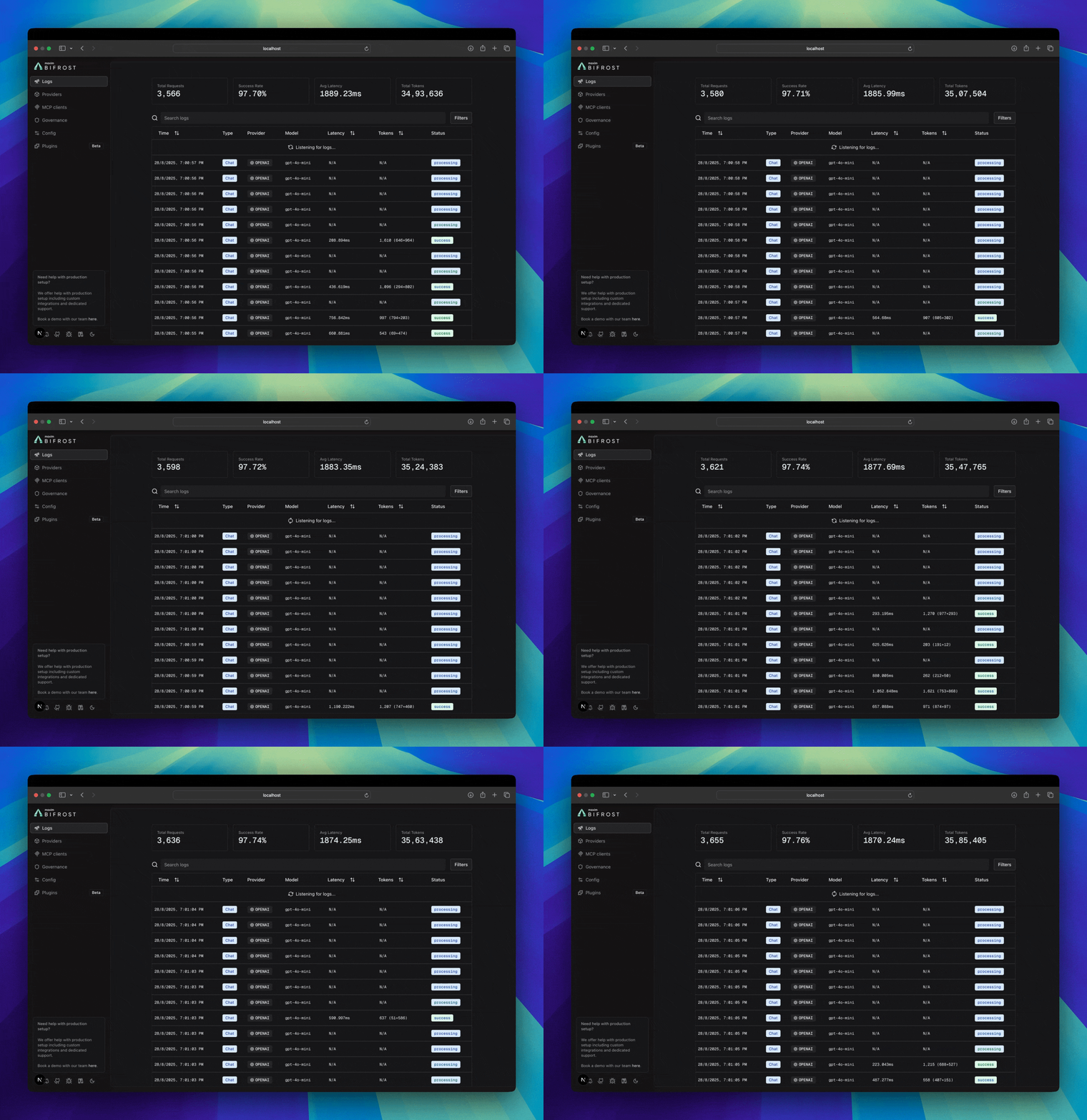
- Built-in Observability: Monitor all agent interactions in real-time through Bifrost’s logging dashboard
- Load Balancing: Automatically distribute requests across multiple providers and regions
- Advanced Features: Governance, caching, failover, and more - all transparent to your agent
Example Integrations
LibreChat
It is a modern, open-source chat client that supports multiple providers. Setup:- Install LibreChat: There are multiple ways of local setup, please follow the LibreChat documentation for more details.
-
Add Bifrost as a custom provider: Now that you have LibreChat installed, you can add Bifrost as a custom provider.
Add the following to your
librechat.yamlfile:If you’re running LibreChat in a docker container, LibreChat does not automatically use thelibrechat.yamlfile, please check the Step 1 of the LibreChat documentation for more details. - Run LibreChat Now you can start using Bifrost as a provider in LibreChat, with all the features of Bifrost.
Claude Code
It brings Sonnet 4.5 directly to your terminal with powerful coding capabilities. Setup:-
Install Claude Code
-
Configure Environment Variables
-
Run Claude Code
This setup automatically detects if you’re using Anthropic MAX account instead of a regular API key authentication :)
Codex CLI
It provides powerful code generation and completion capabilities. Setup:-
Install Codex CLI
-
Configure Environment Variables
-
Run Codex
Gemini CLI
It is Google’s powerful coding assistant with advanced reasoning capabilities. Setup:-
Install Gemini CLI
-
Configure Environment Variables
-
Run Gemini CLI
- Select Use Gemini API Key in the CLI prompt for authentication.

Qwen Code
It is Alibaba’s powerful coding assistant with advanced reasoning capabilities. Setup:-
Install Qwen Code
-
Configure Base URL
-
Run Qwen Code
Opencode
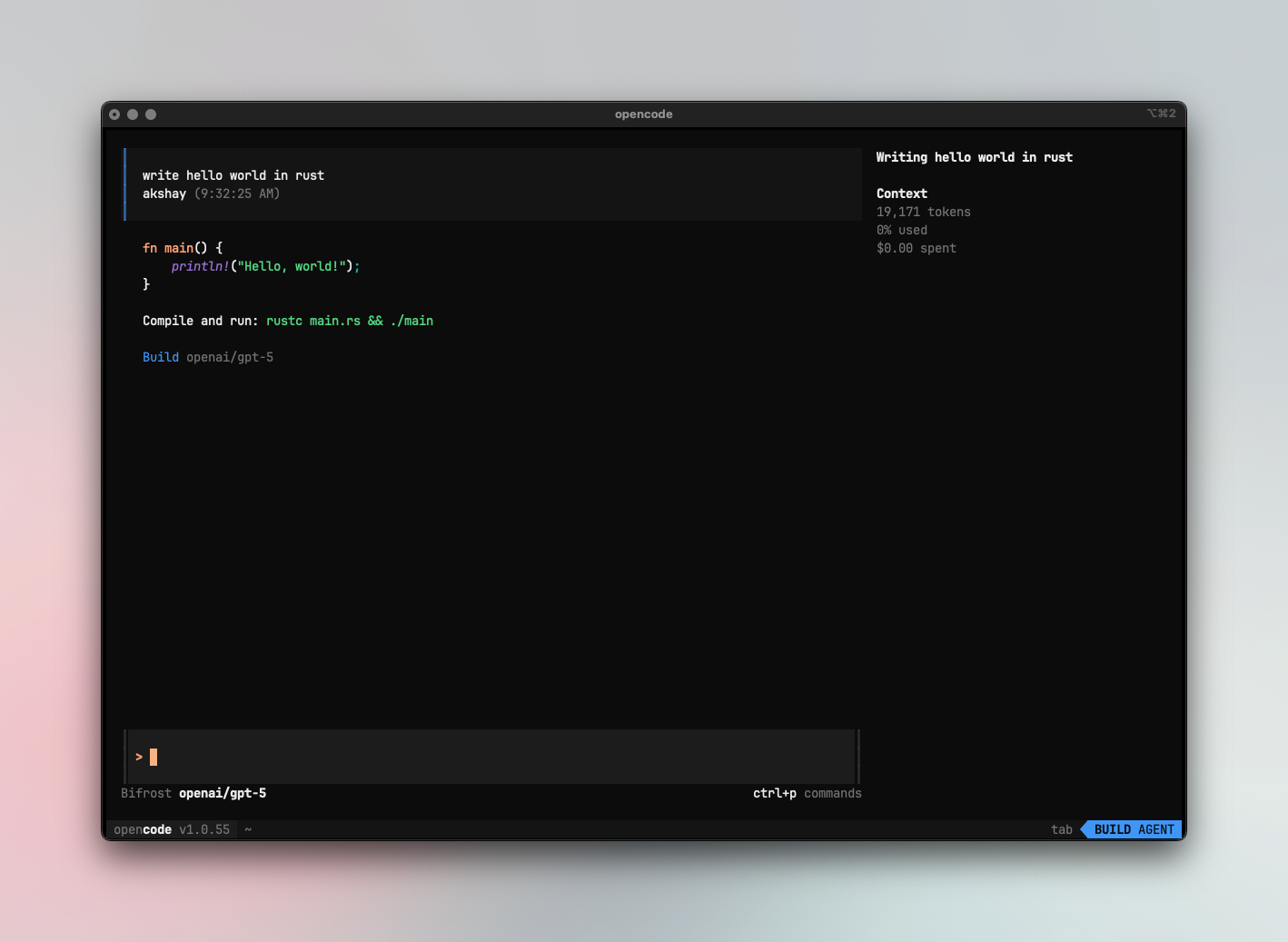
- Configure Bifrost
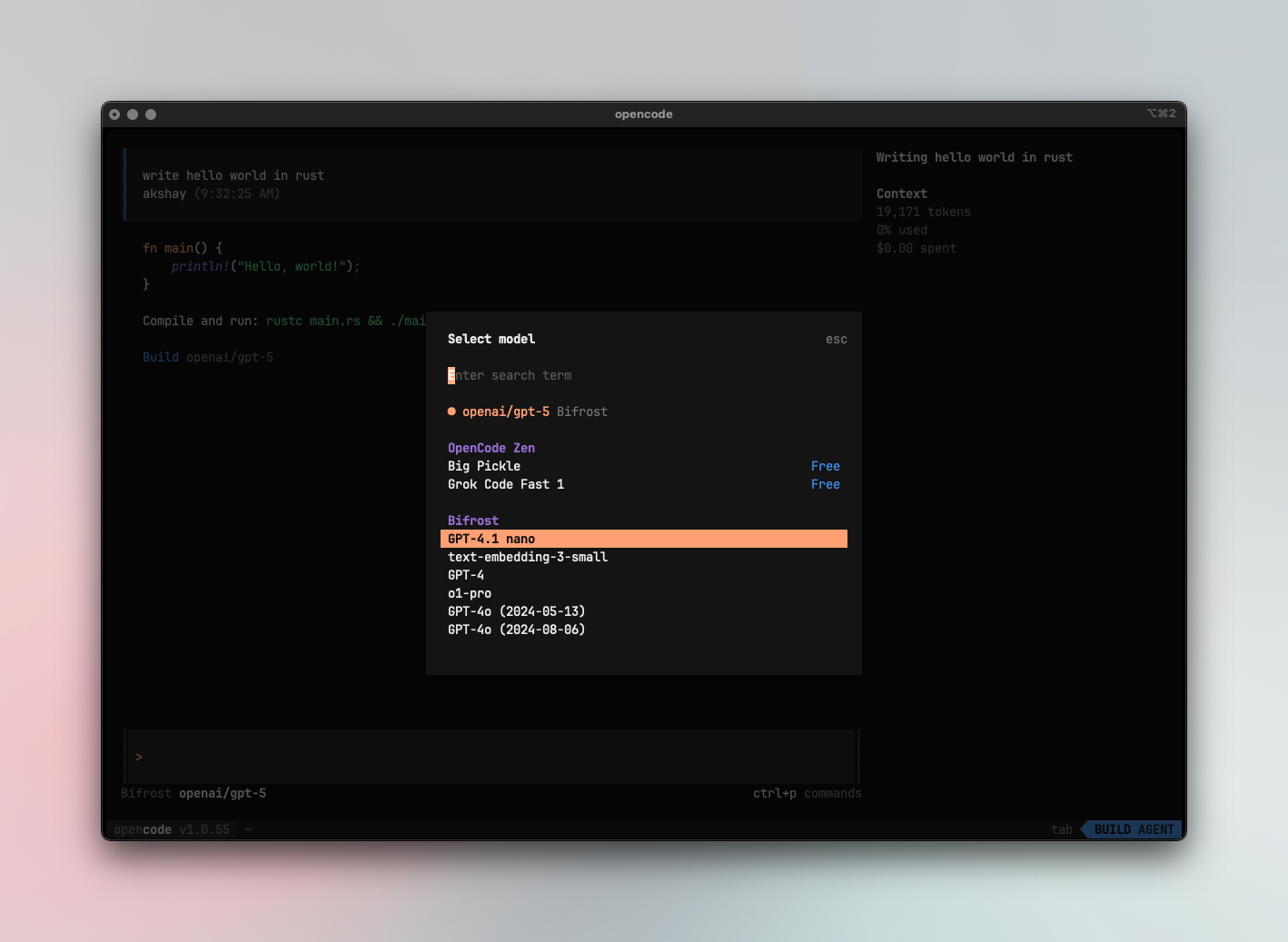
- Select Bifrost models using
ctrl +p
Editors
Zed editor
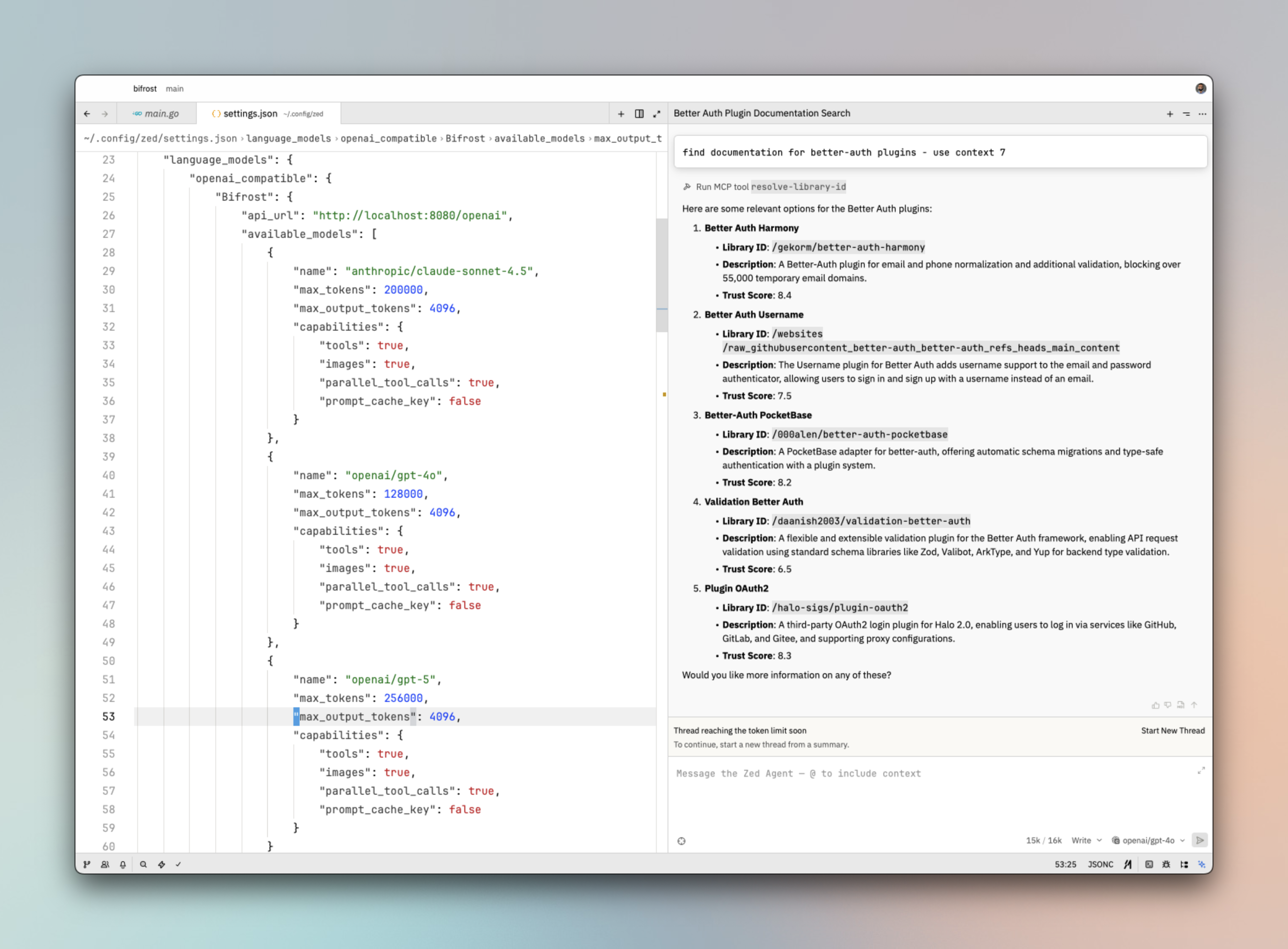
- Configure Bifrost provider.
- Reload workspace to make sure Zed editor recognizes and reloads the provider list.
Configuration
Agent integrations work with your existing Bifrost configuration. Ensure you have:- Providers configured: See Provider Configuration for setup details
- Optional: MCP tools: See MCP Integration to enhance agent capabilities
Monitoring Agent Traffic
All agent interactions are automatically logged and can be monitored athttp://localhost:8080/logs. You can filter by provider, model, or search through conversation content to track your agents’ performance.
MCP Tools Integration
Bifrost automatically sends all configured MCP tools to your agents. This means your agents can access filesystem operations, database queries, web search, and more without any additional configuration.Important: MCP Tool Execution BehaviorWhen using Bifrost as a gateway, MCP tool calls require manual approval and execution for security reasons. Bifrost returns the tool call information but doesn’t automatically execute it. You need to handle the approval and execution logic by calling the
v1/mcp/tool/execute endpoint.Gateway-on-Gateway Limitations: If your agent/editor (like Zed) has its own gateway that routes through Bifrost, the agent’s gateway may not handle MCP tool approvals that come from Bifrost. In such cases, we recommend configuring MCP tools directly in your agent/editor instead of relying on Bifrost’s MCP integration.We intentionally avoid supporting “gateway-on-gateway” MCP setups because handling tool approvals across multiple gateways introduces unnecessary complexity and falls outside the scope of what an LLM gateway should manage. While we’re working on an agentic mode that will allow Bifrost to automatically execute certain tool calls, the current design prioritizes security and clear responsibility boundaries.Next Steps
- Provider Configuration - Configure AI providers for your agents
- Governance - Set usage limits and policies for your agents
- Integrations - Understand how Bifrost works with existing AI provider SDKs